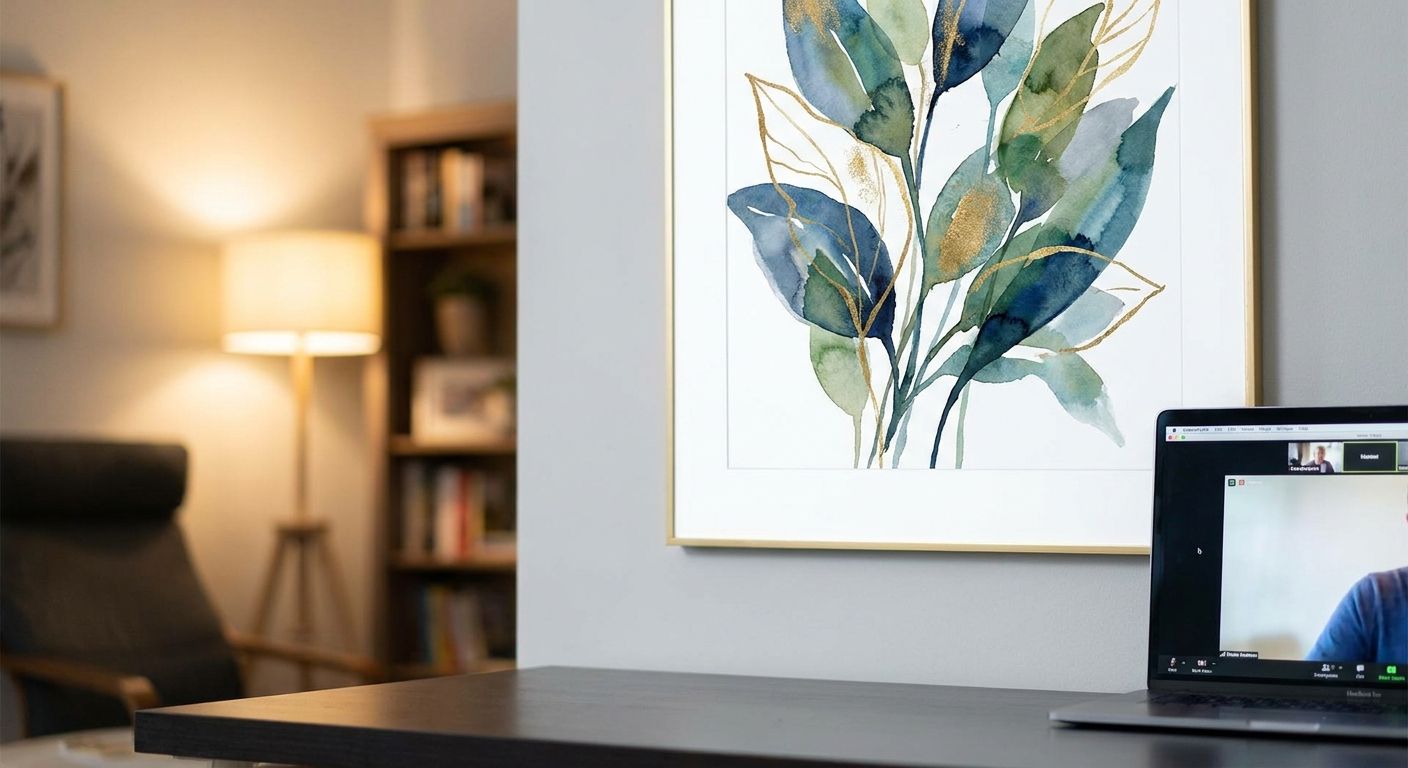
If your desk chair doubles as a conference room and your bookshelf is now set dressing, the wall behind you is doing more marketing than your LinkedIn headline. Gioia Wall Art picks four categories of wall art for video call backgrounds that hold up under ring lights, laptop cameras and back-to-back Zoom calls in 2026.
- Matte, low-contrast canvas prints read best as wall art for video call backgrounds - glossy frames throw glare under desk lamps.
- A 60-90cm piece placed off-centre behind the shoulder outperforms anything hung dead-centre behind the head.
- Corporate calls want abstract or botanical tones; home studios and podcast setups can push bolder colour and typography.
- Budget wall art under $100 works fine for a webcam frame that never gets seen in person.
Why this matters
Most people buy wall art for the room, not the camera, then wonder why their video calls look washed out or cluttered. A webcam compresses colour, flattens depth and crops tightly - a piece that looks rich in person can turn muddy or glary on a 13-inch laptop screen. Getting wall art for home offices right for video calls is a different brief than styling the same wall for guests walking past it.
Who this is for
This guide is for anyone whose wall is now a permanent backdrop: remote employees on daily Teams standups, founders pitching investors over Zoom, podcasters and streamers building a home studio, and consultants who need a wall that says competent without saying corporate. If your camera faces a bookshelf, a blank wall or last year's holiday photo, this is the fix.
What to look for in wall art for video call backgrounds
Matte over glossy
Desk lamps, ring lights and window glare bounce straight off high-gloss finishes and create a white blob mid-call. Matte canvas prints and framed prints with anti-glare glazing hold their colour under artificial light, which is why they're the safer buy for anyone on camera five days a week.
Colour that survives webcam white balance
Webcams auto-correct colour aggressively, and saturated reds or neon tones can shift or bloom on a compressed feed. Warm neutrals, muted botanicals and soft abstracts in the 2026 Terracotta and Japandi palettes translate more accurately than high-saturation pop art.
Scale relative to the frame, not the wall
A piece that looks modest on a 3-metre wall can dominate a webcam's tight crop. Aim for artwork between 50cm and 90cm wide, positioned so it fills roughly a third of the visible frame - big enough to register, small enough that it doesn't crowd your face.
Placement off-centre, not behind the head
Art hung directly behind your head gets partially obscured by your face for the entire call and reads as a strange halo. Shift the piece so it sits over your shoulder - visible in full, never competing with your face for attention.
Content that reads in two seconds
A detailed landscape or a busy gallery wall needs close viewing to make sense; on a compressed video feed it just looks noisy. Simple abstracts, single-subject botanicals or one bold quote print communicate instantly, which matters when the viewer only glances at it between slides.
Tone matched to the call type
A client-facing sales call and a Twitch stream need different walls. Corporate video calls lean toward calm, neutral abstraction; home studios and content creator setups can carry more colour, texture and personality without undermining credibility.
Top picks for video call walls
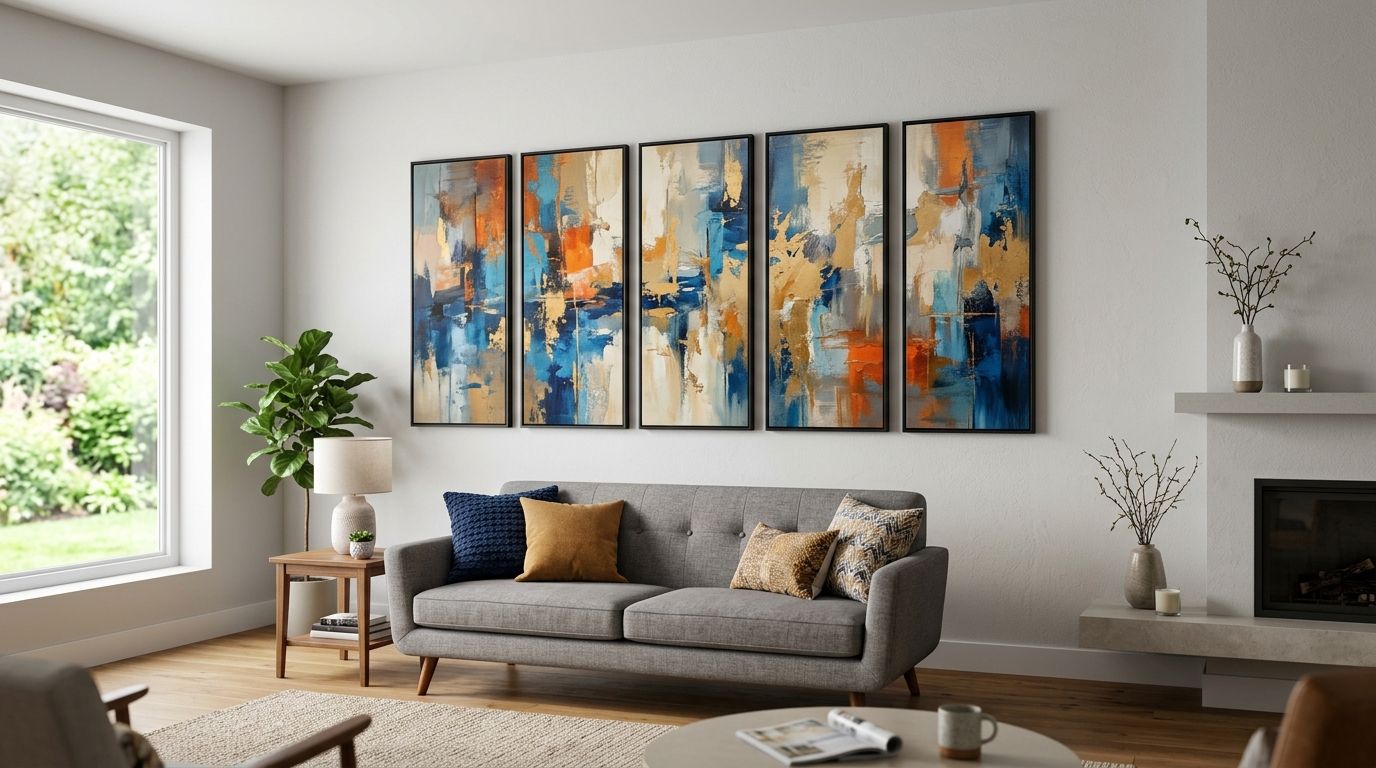
The home studio specialist. Earthy, textured abstracts sit well in a she shed, spare room studio or converted garage where the camera picks up more of the room than a typical office nook. A 76cm canvas in warm ochre or terracotta tones fills a webcam frame without competing with foreground gear like microphones or ring lights. Browse the she shed and home studio wall art range for pieces sized for tighter studio walls. Buy for anyone recording video content from a dedicated home setup.
The boardroom-safe pick. Muted abstracts and soft geometric prints in grey, sand and ink tones photograph as "considered" rather than "decorated," which is exactly the read a client call needs. A single 60cm x 80cm framed print, hung slightly off-centre, avoids the flat corporate-poster look while staying neutral enough for any industry. See the corporate office wall art picks for sizing that matches standard desk-height cameras. Buy if client-facing calls are your daily reality.
The budget pick. A single unframed print under $100 does the job when the wall behind your desk only ever gets seen through a 720p webcam - there's no case for spending on framing quality nobody on the call will notice up close. Consider this route if the art is functioning purely as a camera backdrop rather than a room feature you'll also live with.
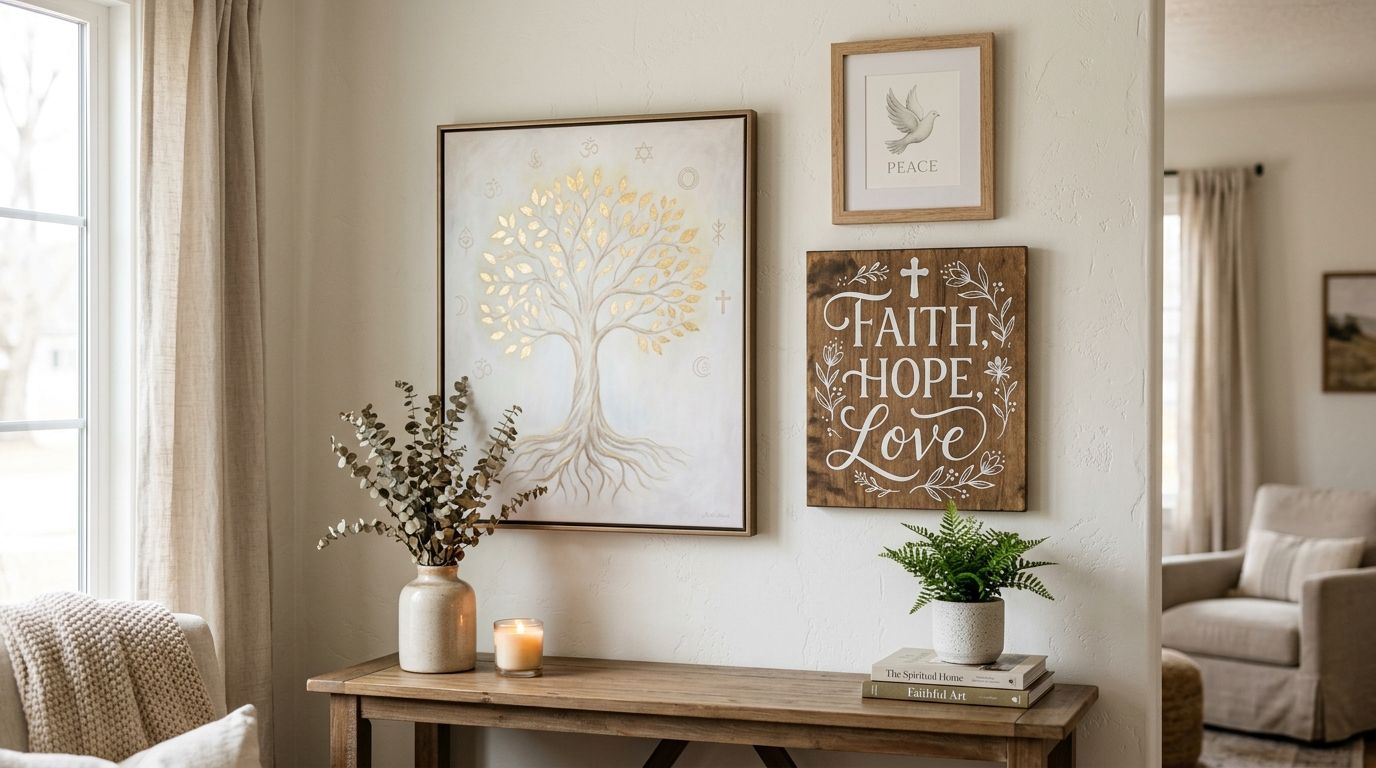
The wildcard. A single-line typography or quote print adds personality without visual noise, and it reads clearly even on a compressed feed because it's mostly negative space and one strong statement. It works loudly for podcast studios and content creators, less well for a compliance call. Consider for anyone building a personal brand on camera; skip it for formal client work.


What to avoid
- High-gloss framed prints under overhead lighting. The glass acts like a mirror the moment a lamp or window is behind the camera - matte canvas or anti-glare glazing avoids this entirely.
- Busy gallery walls with 6+ small frames. They look intentional in person and chaotic once compressed by a webcam; one strong piece beats a cluster every time.
- High-contrast black-and-white photography directly behind the head. It fights with your face for the camera's exposure settings, often blowing out the highlights on your skin.
“If the frame throws glare under your desk lamp, it's the wrong frame for a desk.”
Verdict comparison
| Pick | Best for | Tone | Verdict |
|---|---|---|---|
| Home studio specialist | Streamers, podcasters, converted rooms | Warm, textured abstract | Buy |
| Boardroom-safe pick | Client calls, consulting, corporate | Neutral, muted geometric | Buy |
| Budget pick | Camera-only backdrops | Simple, low-cost print | Consider |
| Typography wildcard | Personal brand, content creators | Bold single statement | Consider / Skip for formal calls |
FAQ
What's the best wall art for video call backgrounds in 2026?
Matte canvas prints in warm neutral or muted abstract tones are the best wall art for video call backgrounds in 2026 because they hold colour under artificial light without glare. Avoid glossy finishes and busy multi-frame gallery walls behind a webcam.
Should wall art behind a webcam be glossy or matte?
Matte, always. Glossy glass and high-shine canvas coatings reflect desk lamps and ring lights directly into the camera lens, creating a distracting glare spot mid-call.
Is abstract art better than framed photography for video calls?
For most professional calls, yes - abstract or botanical prints read cleanly on a compressed feed while detailed photography can look busy or blurred at webcam resolution. Framed photography still works if the subject is simple and the frame is matte.
How big should wall art be behind a desk for Zoom calls?
Between 50cm and 90cm wide is the sweet spot for most webcam framing, filling roughly a third of the visible background without dominating the shot. Anything smaller tends to disappear once the camera crops in.
Does the colour of wall art matter for video calls?
Yes - webcams auto-adjust white balance and can shift saturated colours, so warm neutrals and muted tones translate more reliably than neon or high-contrast palettes. Terracotta, sand and soft grey tones are the safest bet for 2026 home office walls.
Can I use a gallery wall behind my webcam?
A small gallery wall of 2-3 pieces can work if hung tightly and evenly lit, but anything with 5 or more frames tends to look cluttered once compressed by a webcam. One strong piece, off-centre, is the safer choice for daily calls.
Is typography or quote art good for a video call background?
Typography and quote prints work well for podcast studios and personal-brand content because they read instantly on camera, but they can feel too casual for formal client or compliance calls. Save bold text pieces for informal or creative settings.
How do I stop glare on wall art during video calls?
Switch to matte canvas or anti-glare glazing, and angle desk lamps and ring lights so they don't sit directly opposite the artwork. Repositioning the light source solves most glare problems without changing the art at all.
One last thing
The single biggest fix nobody tries first: move the art, not the camera. Shifting a piece 20-30cm off-centre so it sits over one shoulder instead of behind the head solves most of the glare, cropping and "floating halo" complaints people bring to Gioia Wall Art about their video call setup in 2026 - no new purchase required.